Phone Battery Draining Fast? 11 Causes and the Fixes That Worked for Me
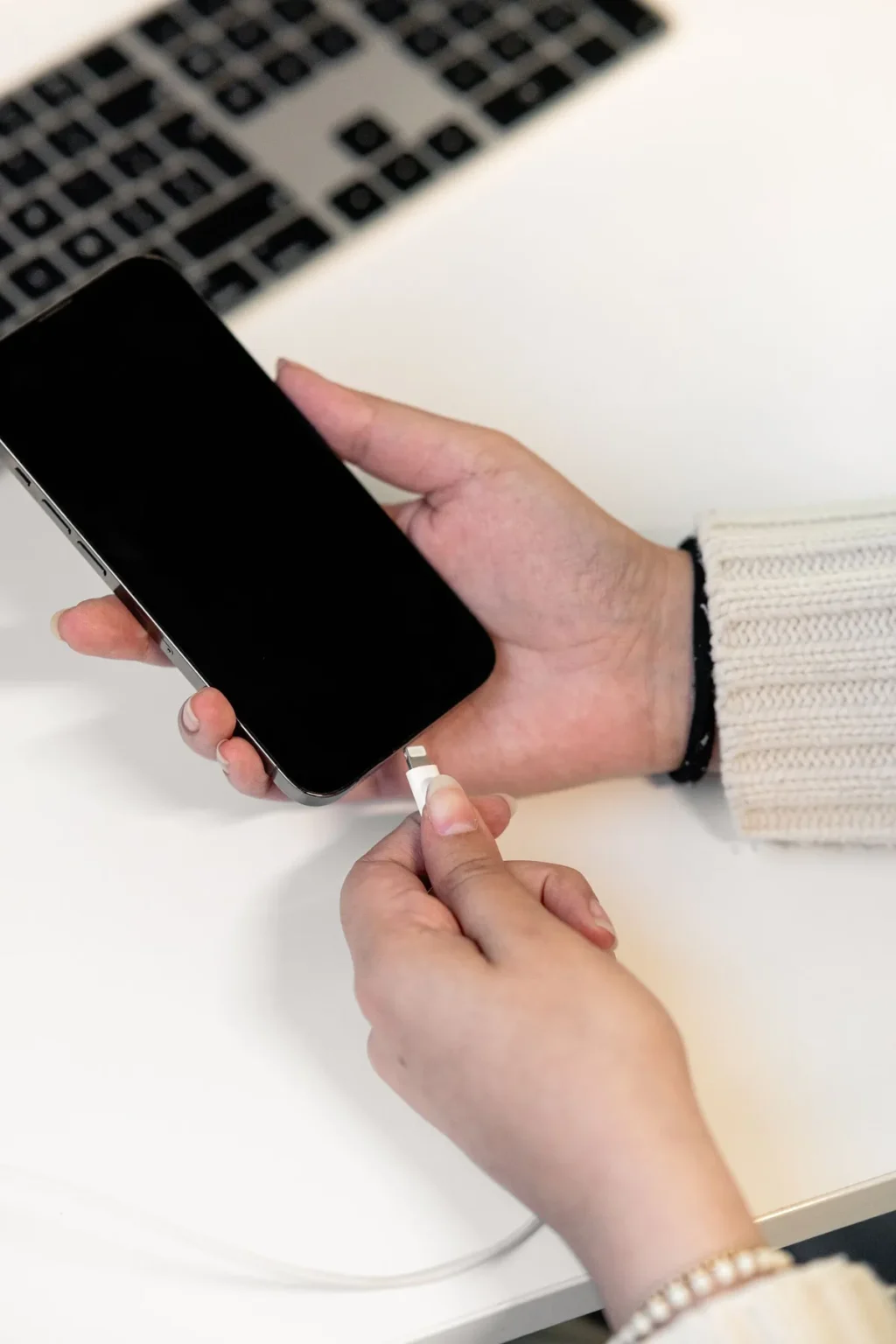
A few months ago, I noticed my phone battery draining fast — by 3pm, it was dead. Not “low battery warning at bedtime” dying — full-on dead-battery, hunting-for-an-outlet, missing-my-ride-home dying. I hadn’t changed how I used it. Same apps, same routine. But somewhere along the way, my battery life fell off a cliff, and I became that person asking strangers at the airport if I could borrow their charger.
So I did what any stubborn person does: I spent two weeks figuring out exactly why my phone battery was draining fast, testing fixes one at a time, and measuring what actually worked. This is everything I learned — the 11 real causes, ranked by how much they were actually draining my phone, and the fixes that gave me my battery life back.
Table of Contents
How I Knew It Wasn’t Normal
First, a sanity check, because “my battery dies fast” is subjective. Here’s how you know something is actually wrong:
- Your phone loses more than 10% overnight while you’re asleep and not using it.
- It gets warm in your pocket when you haven’t touched it in an hour.
- Battery health (iPhone: Settings > Battery > Battery Health; many Androids: Settings > Battery > Battery health) is below 85%.
- The battery graph shows steep drops during periods you weren’t using the phone.
If any of those sound familiar, something is actively eating your battery in the background. Here’s what I found, in order of impact.
The 11 Causes, Ranked by How Much They Drained My Phone
1. Screen Brightness and Refresh Rate
The display is almost always the single biggest battery consumer on any phone — often 30 to 40 percent of total drain. I had my brightness cranked near maximum all day and a 120Hz refresh rate running constantly. Dropping to auto-brightness and letting the refresh rate adapt to content made the single biggest difference of anything I changed.
The fix: Turn on auto-brightness. If your phone has an adaptive refresh rate option, enable it. And shorten your screen timeout to 30 seconds — every minute your screen stays lit while you stare into space is battery you’ll never get back.
2. Background App Refresh Gone Wild
This was my silent killer. Dozens of apps were refreshing in the background — pulling new content, updating feeds, syncing data — for apps I opened maybe once a month. Social media apps are the worst offenders here; they’re designed to have fresh content waiting the instant you open them, and your battery pays for it.
The fix: Go to your battery usage screen and look at which apps consumed power while you weren’t using them. Turn off background refresh for anything you don’t need updated in real time. I kept it on for messaging and email; everything else got switched off. My overnight drain dropped by half from this one change.
3. Location Services Set to “Always”
Maps, weather, ride apps, delivery apps, that one hiking app from 2022 — half my apps had location access set to “Always,” meaning the GPS radio was waking up constantly. GPS is one of the hungriest sensors in your phone.
The fix: Audit every app’s location permission. “While using the app” is enough for almost everything. Only navigation and ride apps genuinely need more, and even those can usually be set to ask each time. I changed about twenty apps from Always to While Using and immediately noticed the phone running cooler.
4. Push Email Checking Too Often
If your email is set to push — checking constantly for new messages — your phone’s radio never really sleeps. Each check is small, but dozens of checks an hour add up, especially on weak signal where the radio has to work harder.
The fix: Switch work and secondary accounts to fetch every 30 or 60 minutes instead of push. Keep push only for the one account where instant email actually matters. Honestly, I can’t tell the difference in my day, but my battery can.
5. 5G in a Weak-Signal Area
5G is faster but thirstier than LTE, and in a weak-signal area your phone works overtime — constantly searching, switching towers, boosting transmission power. My commute took me through a dead zone where my phone would burn 5% just sitting in my pocket.
The fix: If your area has spotty 5G, switch to LTE/4G in your cellular settings. You’ll rarely notice the speed difference in daily use, and the battery savings are real. Some phones have a “5G Auto” mode that only uses 5G when it actually helps — use it if you have it.
6. Battery Health Below 85%
This is the one nobody wants to hear. Batteries are consumables — they chemically age with every charge cycle, and after a couple of years they simply hold less charge. Apple’s own guidance says iPhone batteries are designed to retain about 80% capacity after a certain number of charge cycles, and once you’re below 80%, the phone can’t do its job on a single charge no matter what settings you tweak. Apple’s support page on getting help with battery life is worth a read if you suspect this is you: https://support.apple.com/en-am/iphone
The fix: Check your battery health first. If it’s under 85% and you’ve tried everything else, a battery replacement — not a new phone — is usually the answer. It’s dramatically cheaper and gives the phone a second life.
7. Heat — the Invisible Battery Killer
Heat and batteries are enemies. Using your phone in direct sun, leaving it on a hot car dashboard, or gaming while charging all push the battery temperature up, and a hot battery drains faster and ages faster. My phone was regularly warm because I was charging it under my pillow at night. Don’t do that.
The fix: Charge on a hard, ventilated surface. Take the case off if the phone gets warm while charging. And never leave it baking in the sun — if your phone warns you it’s too hot, believe it and let it cool down before using it.
8. Widgets, Live Wallpapers, and Constant Notifications
Every widget on your home screen is a tiny app refreshing on a schedule. Live wallpapers keep the GPU busy. And every notification wakes your screen — I counted once and was getting over a hundred a day, each one lighting up the display.
The fix: Keep only the widgets you actually glance at. Use a static wallpaper. And be ruthless with notifications: I turned off everything except calls, messages, and calendar. My screen wakes up maybe ten times a day now instead of a hundred. This also, not coincidentally, made me calmer.
9. Bluetooth, NFC, and Hotspot Left On
These radios sip power individually, but together, always-on, they’re a steady background drain — especially Bluetooth constantly scanning for devices when you’re not wearing headphones.
The fix: Turn off Bluetooth when you’re not using it. Same for NFC if you rarely tap-to-pay, and definitely turn off your personal hotspot when you’re done — an active hotspot is one of the fastest ways to kill a battery.
10. One Misbehaving App
Sometimes it’s just one bad actor. A buggy update, an app stuck in a sync loop, a game downloading assets in the background. Your battery usage screen will show it plainly: one app with absurd background hours that you barely opened.
The fix: Check Settings > Battery and look at background activity per app. If one app is wildly out of proportion, force-stop it, check for an update, or delete and reinstall it. Twice now this has been a social app that updated badly; reinstalling fixed it both times.
11. Outdated Software
This one surprised me. Right after major OS updates, phones often drain faster for a few days while background indexing and optimization finish — that’s normal and temporary. But running old software long-term can also cause drain, because updates include power-management fixes. I was three versions behind because I’d been dismissing the update prompt for weeks.
The fix: Install the update — but give it two or three days afterward before judging battery life, since the post-update background work temporarily increases drain. If drain persists beyond that, then keep troubleshooting.
How to Check Your Battery Health (iPhone and Android)
Before changing anything, get your baseline:
- iPhone: Settings > Battery > Battery Health & Charging. Look at Maximum Capacity. Above 90% is healthy, 85–90% is aging but fine, below 85% means the battery itself is part of your problem.
- Samsung: Settings > Battery > Battery health (on newer models) or dial into device care. Many Android phones show cycle count and estimated capacity here.
- Other Android: Settings > Battery > Battery usage shows per-app drain; some manufacturers include a health estimate under Battery settings.
Write down your screen-on time for a typical day too — it’s the most honest measure of whether your fixes are working.
The Fixes in Order — What I’d Do First
If I had to do it all again, here’s the order, because not all fixes are equal:
- Check battery health. If it’s under 85%, start planning a replacement — settings tweaks can only do so much.
- Cut screen brightness to auto and shorten the screen timeout.
- Kill background refresh for apps you don’t need live.
- Audit location permissions — “While using” for everything possible.
- Switch email from push to hourly fetch.
- Turn off radios you aren’t using: Bluetooth, hotspot, NFC.
- Tame notifications and widgets.
- Check for one rogue app in battery settings.
- Update your software, then wait three days before judging.
- Keep the phone cool while charging.
Doing the first five took me an afternoon and recovered roughly 40% of my lost battery life. The rest got me the remainder.
My Travel Charging Kit (Learned the Hard Way)
Travel days are the ultimate battery stress test — maps, boarding passes, translation, photos, ride apps, all on unfamiliar networks. I now travel with a strict minimalist kit, part of the carry on packing list I use for every trip: a compact 10,000mAh power bank, a short USB-C cable, and a dual-port wall adapter. The power bank alone has saved me in three airports and one very long bus ride. If your phone already struggles to last a normal day, a travel day will finish it by lunch — pack power like you pack socks.
When It’s Time to Stop Tweaking and Replace the Battery
Here’s my honest rule: if your battery health is below 80%, or if you’ve applied every fix above and still can’t get through a normal day, stop tweaking. A battery replacement typically costs a fraction of a new phone and takes under an hour at most repair shops. I replaced mine at 79% health and it felt like getting a new phone — because in the ways that mattered, it was one.
Don’t replace the whole phone for a worn battery. That’s like buying a new car because the tires are bald.
The Bottom Line
A phone battery draining fast is almost never one dramatic problem — it’s a dozen small drains stacking up. Screen, background apps, location services, push email, weak-signal 5G, heat, and an aging battery each take their cut, and together they can halve your battery life without any single obvious cause.
Start with battery health to rule out a worn battery, then work the list: screen settings, background refresh, location permissions, push email, unused radios. Measure with your battery usage screen as you go. Most people — me included — get the majority of their battery life back from the first three or four changes, in a single afternoon.
Frequently Asked Questions
Why is my phone battery draining fast all of a sudden?
The most common sudden causes are a recent software update (background indexing temporarily increases drain for a few days), one misbehaving app stuck in a background loop, or a settings change like 5G being enabled in a weak-signal area. Check Settings > Battery for the culprit app first.
Is it bad to charge my phone overnight?
Modern phones manage overnight charging well, but heat is the real enemy — don’t charge under a pillow or in a case that traps heat. If your phone offers optimized or adaptive charging, turn it on; it slows the final stretch of charging to reduce battery wear.
Does closing apps save battery?
Counterintuitively, force-closing apps constantly can use more battery, because relaunching an app from scratch costs more energy than resuming it from memory. It’s better to stop apps from refreshing in the background via settings than to swipe them away obsessively.
At what battery health should I replace my phone battery?
Below 85% maximum capacity, you’ll start noticing shorter days; below 80%, Apple considers the battery consumed and replacement is usually the right call. A replacement is far cheaper than a new phone and restores original battery life.
Does 5G really drain battery faster than 4G?
Yes, measurably — especially in weak-signal areas where the phone works harder to hold the connection. Switching to LTE or using a ‘5G Auto’ mode that only engages 5G when beneficial can noticeably extend battery life with little perceptible speed difference in everyday use.